
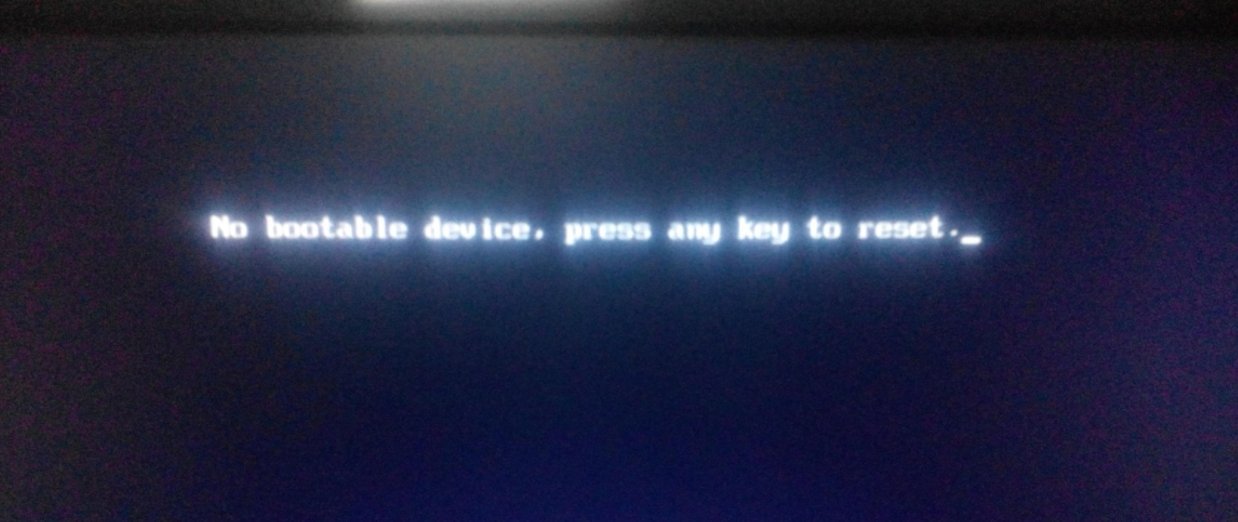
1. 如果电脑开机出现no bootable device press any key to reset,是因为你的电脑没有启动设备。
2. 首先,我们重起电脑进入BIOS,开机时按下Del键。
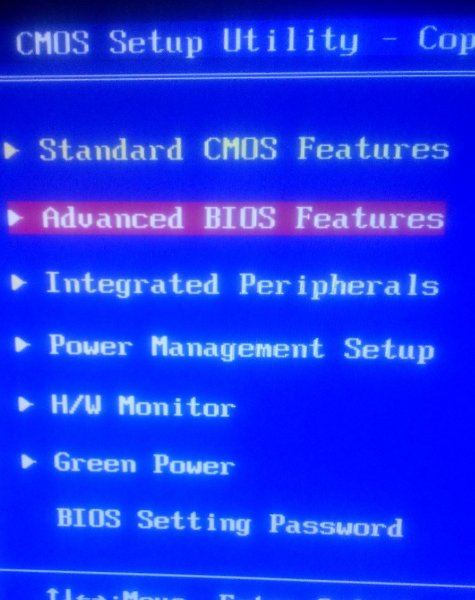
3. 进入BIOS后,如图找到启动设备选项,点击进入。
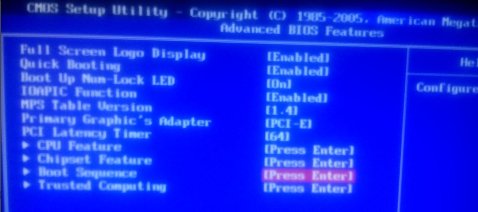
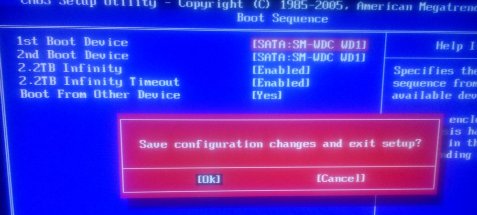
4. 进入启动设备选项后,选择 1st Boot Device,设置 硬盘为第一启动项。
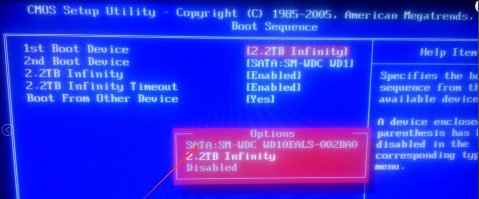
5. 设置完成后,按下F10保存,然后重起电脑即可。
扩展资料:
“no Boot device found,press any key to restart”这句话意思是”未发现启动设备,按任意键重启“有很多种情况会出现这种问题,有可能是系统崩溃,也有可能是硬件问题,比如硬盘坏,或者系统缺少引导文件。